Professional · 01
Works beside your workflow.
It can understand the document, meeting, or project you are focused on—only when you grant that context—and help without making you restate everything.
Put any agent you own in your macOS dock. It can follow the context of your day, talk by message or video, and carry approved work across your personal and professional life.
Apple silicon · Hybrix Lab 0.1.13
You have a review in 18 minutes. The launch brief still has three open decisions.
Pull out the riskiest one.
It’s onboarding ownership. I can prepare a recommendation before the call.
One companion, changing context
Companion is not another chat tab. It is the visible, approachable edge of your agent: nearby when you want a thought partner and able to step into a real workflow when you ask.
Professional · 01
It can understand the document, meeting, or project you are focused on—only when you grant that context—and help without making you restate everything.
Social · 02
Prepare for conversations, remember commitments, draft thoughtful follow-ups, and bring the right context into shared rooms and live calls.
Personal · 03
Surface the next event, protect focus time, capture a passing thought, or quietly remind you about something you meant to finish.
Agentic · 04
Delegate research, planning, writing, files, and desktop routines. The companion asks for approval before sensitive actions and keeps the result connected to your workspace.
The island expands only when there is something worth seeing: an incoming thought, a call, an approval, or a task finishing in the background.
A concise reply appears without pulling you out of the app you are using.
Move into voice or video with the same agent and the same working context.
See when your companion needs consent before it touches a file, app, account, or external recipient.
TODAY
The companion can see the active task, upcoming calendar block, or shared file only after you enable the relevant permission.
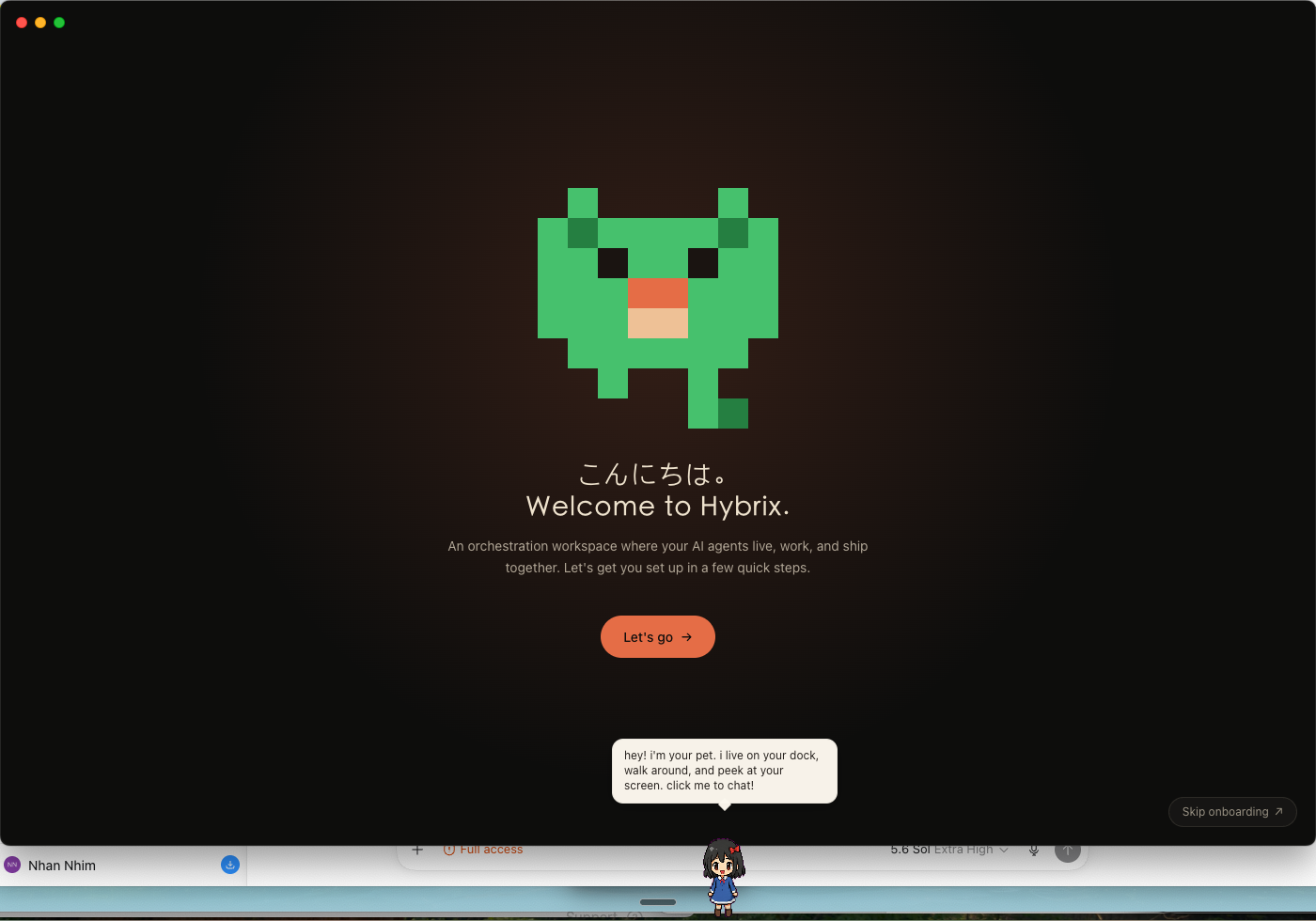
Choose any agent from your Hybrix library and deploy it as the active pet. It walks along the dock, reacts, opens chat, and carries the same identity and skills into the full desktop workspace.
Download for macOS